1. How do I book a mobile massage appointment?
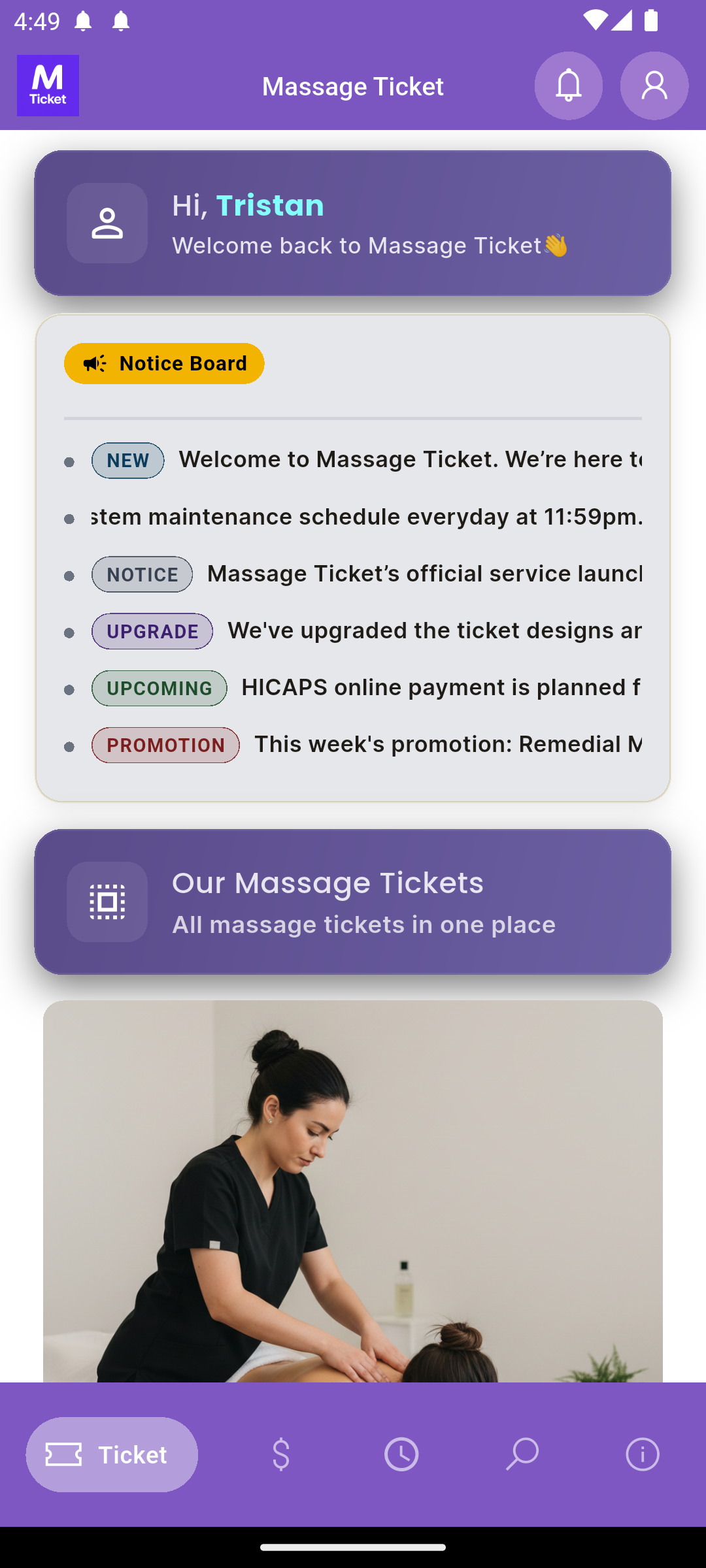
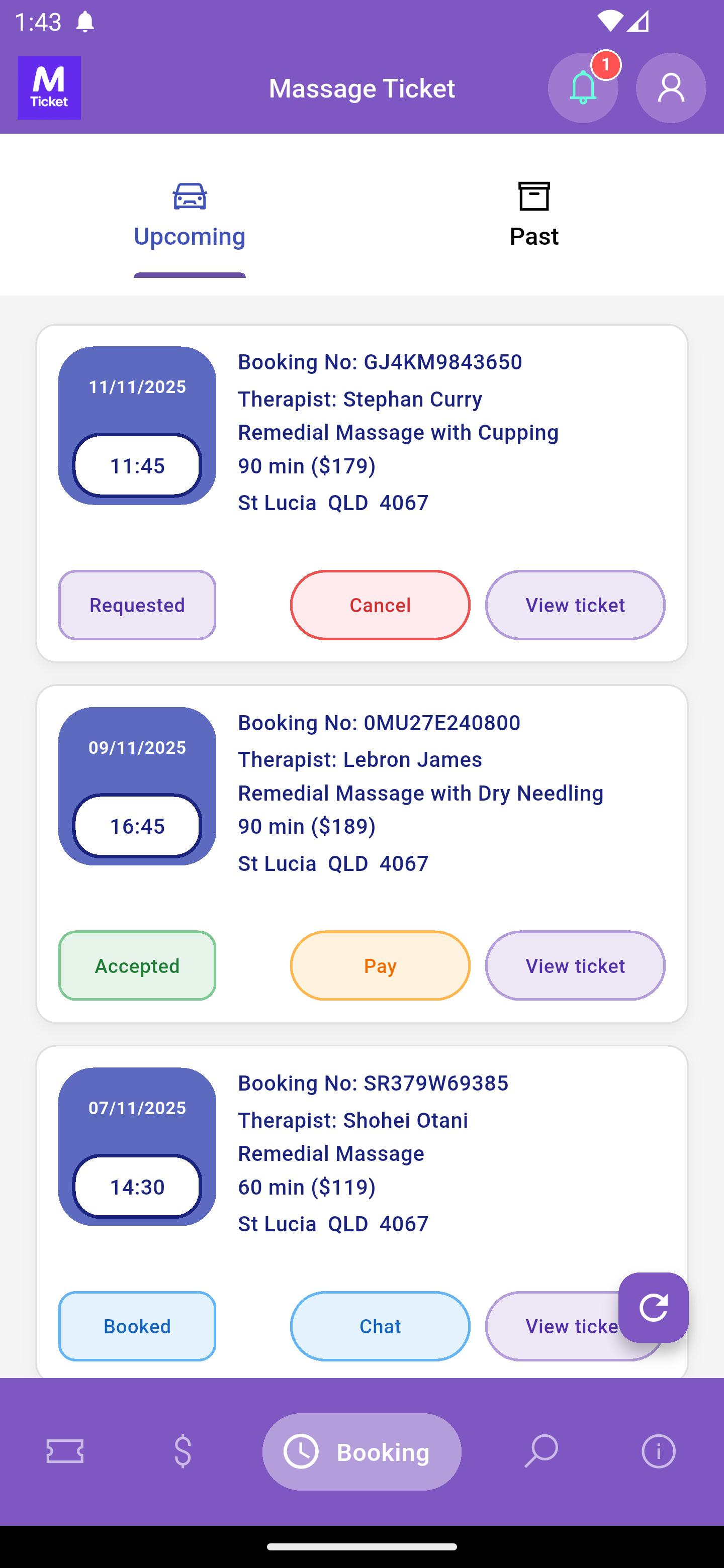
Choose a massage ticket and submit a booking request.
Ensure your balance covers the ticket price.
The booking is confirmed once a therapist accepts.
2. What is Balance Money?
Your balance is prepaid credit for booking massages.
You can top up using a credit card via Stripe.
Funds are non-refundable but remain available anytime in your
Massage Ticket account.
3. How to top up balance?
Balance money is prepaid credit in your account used to pay for
massage tickets.
Top up using a credit card through Stripe.
Once topped up, it cannot be refunded but can be used anytime within
the app.
4. What is Stripe Payment?
Stripe is a globally trusted payment gateway offering secure and
seamless transactions using credit and debit cards.
It ensures strong data protection and a smooth checkout experience
every time you pay.
5. What is Link?
Link is Stripe’s secure checkout feature that lets you save your
payment details once and use them for faster,
one-click payments across any business that supports Stripe.
Your details are safely stored and automatically filled at checkout
for quick, seamless purchases.
6. What communication features are available after a booking is confirmed?
Once a booking is confirmed, Massage Ticket provides an in-app chat feature
for non-clinical, booking-related coordination only, such as arrival details,
access instructions, and session timing.
The platform also provides real-time therapist location tracking on the day of the booking
to assist with arrival coordination.
Massage Ticket does not collect, store, or manage any medical, clinical, or health-related information of any kind.